Create a form for your offer
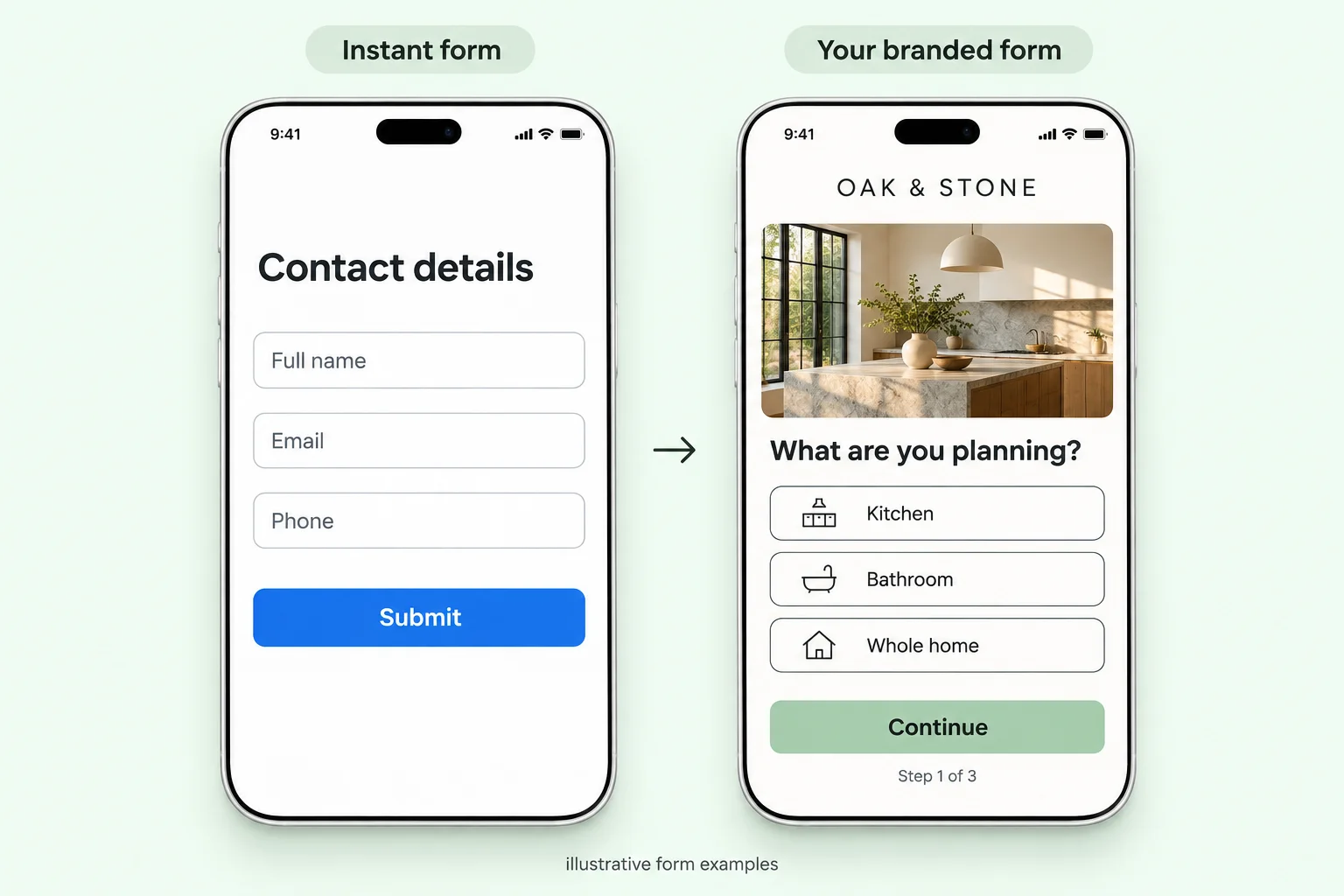
Add your logo, colors and qualifying questions. Ask about budget, location and timing so your follow-up starts with context.



For Meta ads
We’re building branded lead forms for your Meta ads. See where visitors come from, when they visit, and which question makes them leave. Improve the form before you spend on more clicks.
Branded forms. Clearer decisions.
Explore the dashboard · Click a view to see the story
 LeadGlance / analytics · Sample workspace
Oak & Stone / Kitchen renovation
Illustrative analytics · All sources · Example 7-day period
Form visits
1,240Sessions that opened the form
Started answering
89271.9% of visits
Completed forms
48639.2% of visits
Start → completion
54.5%486 completed ÷ 892 starts
Form visited: 1,240 sample visits enter the funnel. Stage widths reflect the share of all visits. Click a stage to inspect it.
Illustrative analysis. Rates are rounded; example locations and time ranges each total 1,240 visits and 486 completions. No real visitor data is shown.
From the ad to the answer
A website-destination ad sends someone to your hosted form. LeadGlance is being built to show the next part of that journey, from their first question to a completed enquiry.
Add your logo, colors and qualifying questions. Ask about budget, location and timing so your follow-up starts with context.
Copy the hosted link into your ad’s website destination. Add campaign tags to distinguish traffic sources. No separate landing page required.
Compare visits, answers and completed forms. See where people hesitate, simplify that step and compare the next version.
This is a separate hosted web form, not a native Meta Instant Form. Ad impressions, spend and cost per lead require a supported data connection or import; they are not inferred from form visits.
Understand the visitors who don’t become leads
Follow the journey from your ad to a qualified enquiry. Know which question to ask and which metric to check next.
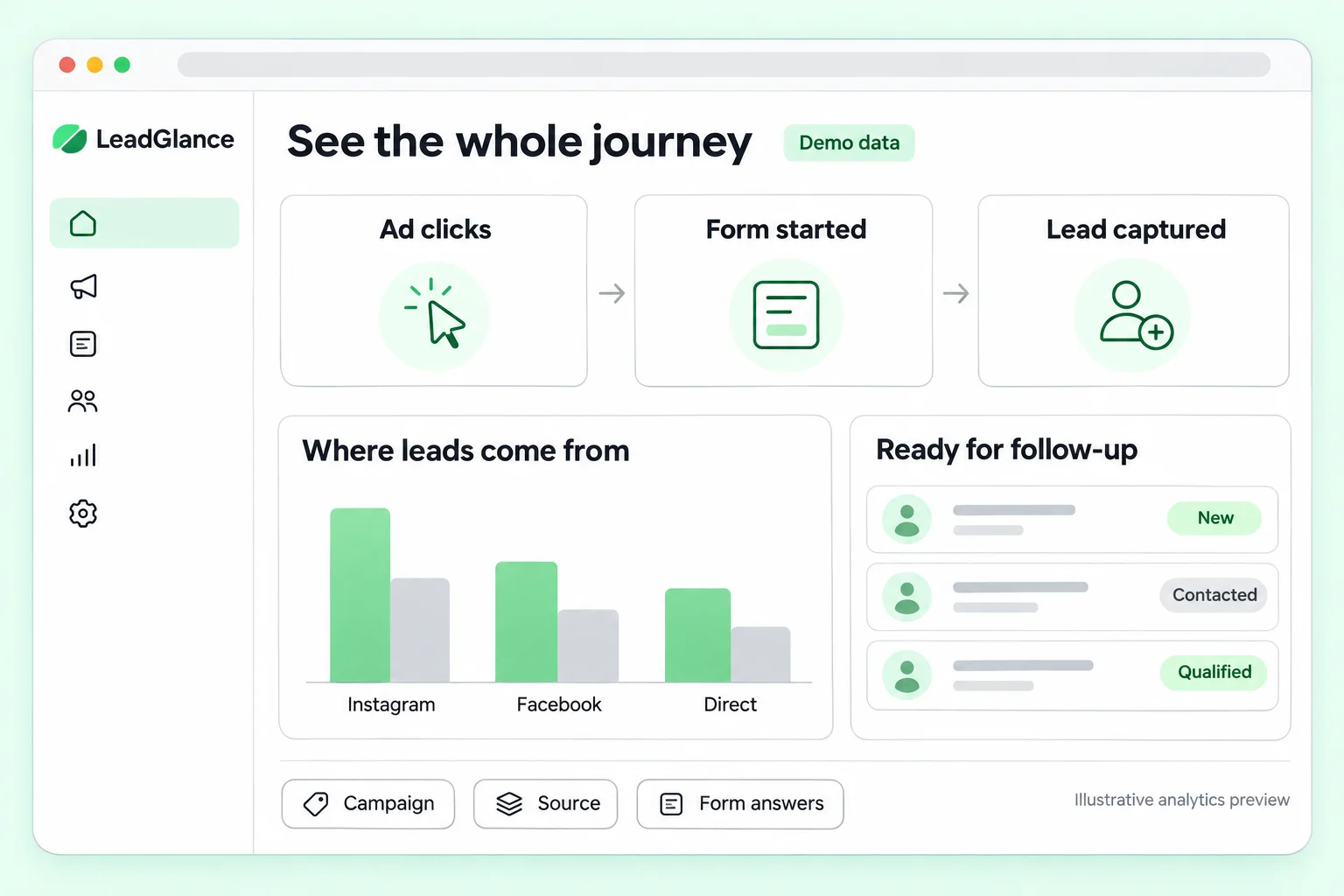
Compare approximate cities or regions by visit volume and completion rate. A busy city is not always your best-converting audience.
See when your forms receive visits and completions. Use observed form activity to inform a timing test, not to track a person’s wider online activity.
Inspect exits and time spent at each question. Test clearer wording, a different order or an optional field when a step creates friction.
Forms that look like your business
Run a kitchen-renovation campaign, a bathroom offer and a consultation form without mixing up their leads or results. Each form gets its own questions, link and performance view.
Custom-domain publishing is on the roadmap.
Compare two versions of a form: a shorter question, a new order or a different opening. Review completions alongside sample size before choosing a version.
A · Original
300 leads · 30%
1,000 visits
B · Shorter form
340 leads · 34%
1,000 visits
Example only, not a measured lift or statistically confirmed winner. Results vary with traffic quality and sample size.


Connect your form data to ChatGPT or Claude and ask questions in plain English. Find where people drop off, compare campaigns and get suggestions for the next version of your form.
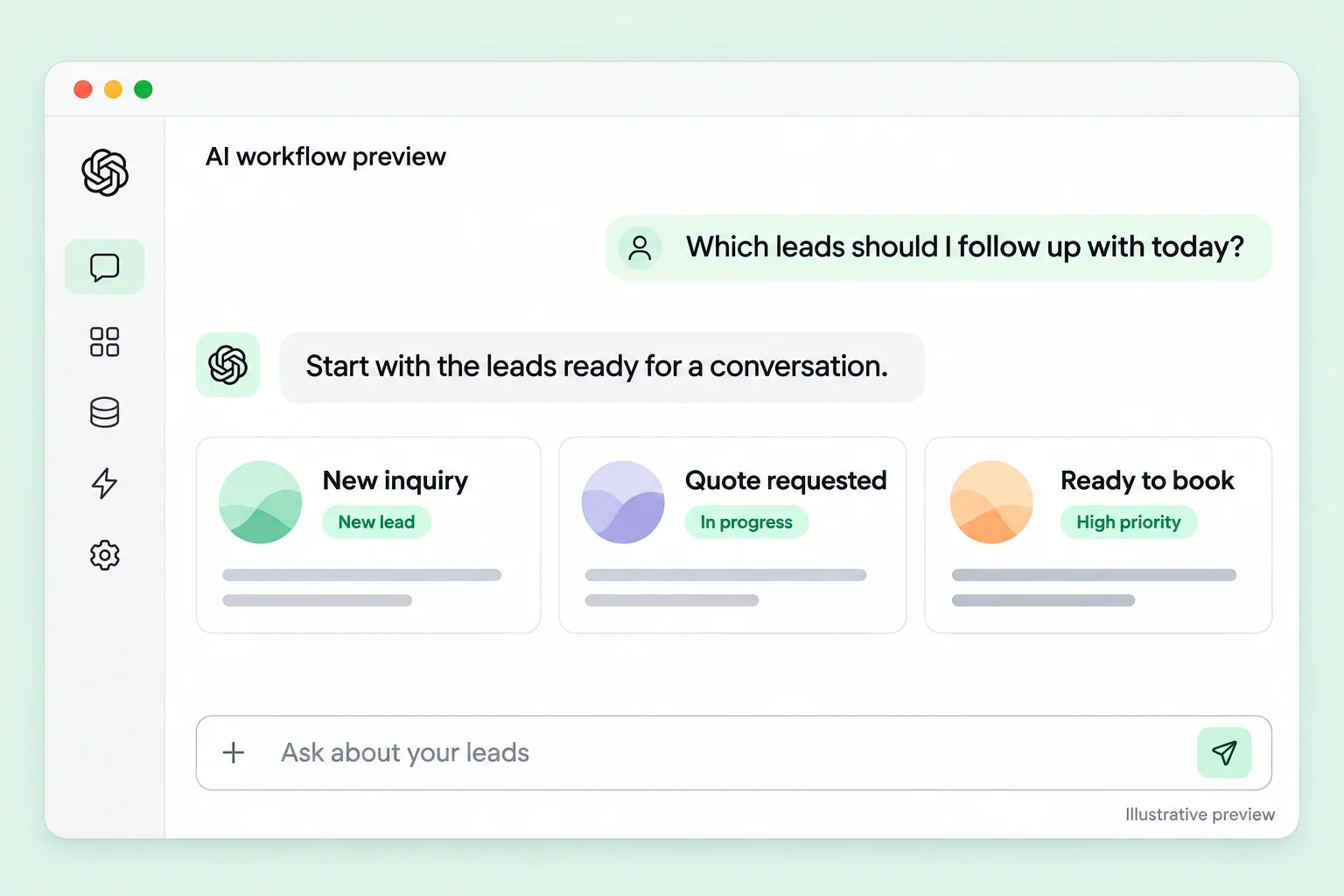 ChatGPT SAMPLE CONVERSATION
Which question should I improve first?
Start with the budget question. It has the most exits in this sample. Try explaining why you ask, then compare completion with the original.
AI connections are planned. Sample conversation shown; availability will be announced at launch.
From a new lead to the next conversation
Keep the answers that matter with the people you follow up with. The planned CRM workflow brings contact details, qualifying answers and campaign context into the tools your team already uses.
Need a hand? Srini will personally help you set it up.
Personal setup help is planned for launch.
LeadGlanceNEW LEADMore than a name and an email
Budget · Location · Timeline
Form · Campaign · Qualifying answers
 HubSpot
 Salesforce
 Zoho CRM
CRM connections are on the roadmap.

A note from the creator
Srinivas Gogula · Building LeadGlance
I manage over $10,000 in ad spend every month. And the question I keep coming back to is simple: which of these clicks will actually turn into a good lead?
Getting enquiries is one thing. Knowing who is serious, who is a good fit and where high-intent visitors drop off is much harder. A lead count doesn’t give me enough to work with.
That’s why I’m building LeadGlance: branded forms, better qualifying questions and a clearer view of what happens after the click.
The goal is to spend less time guessing, focus follow-up on the right people and know what to improve before spending more on ads.
And when it’s time to connect your CRM, I’ll help you with the setup myself.
Srini
Creator · Building a clearer path from click to customer.
Planned starting price
$29 / month
Checkout is not open. Pricing, limits and which features are included in each plan will be confirmed before launch.
Feature availability and plan limits will be shared at launch.
Before you try it
Create a hosted form and use its URL as the website destination in a Facebook or Instagram ad. It is a separate web experience, not Meta’s native Instant Form. Campaign tags can help distinguish sources; Ads Manager connections and lead syncing are planned.
The planned analytics include form visits, starts, completed forms, visit-to-lead and start-to-completion rates, abandonment, question-level exits, time spent, approximate geography and form activity by time. Available breakdowns depend on collected data and privacy settings. All numbers on this page are examples.
No. Location is approximate and may be affected by VPNs, mobile networks or missing data. Activity means visits and answers observed on your form, shown in the selected reporting timezone. It does not reveal someone’s address, precise location or activity elsewhere.
Both are part of the planned product: separate forms for different offers, campaign-level reporting and a branded domain such as quote.example.com. Availability will be announced at launch.
The planned connection would let you ask ChatGPT or Claude about your forms, spot drop-off and get ideas for improvements. You would choose which data to share. These connections and A/B testing are planned features, not functioning integrations on this site.
Not yet. LeadGlance is in development. Free trials will open at launch. The screens here use sample data to show the experience we’re building.
Before you buy another click
Follow the funnel and find a question worth improving.